
Gemini and Google AI plans: compare the whole bundle
How to evaluate Google AI Plus and Pro alongside your existing storage and productivity needs, without treating a promotional price as a permanent budget.
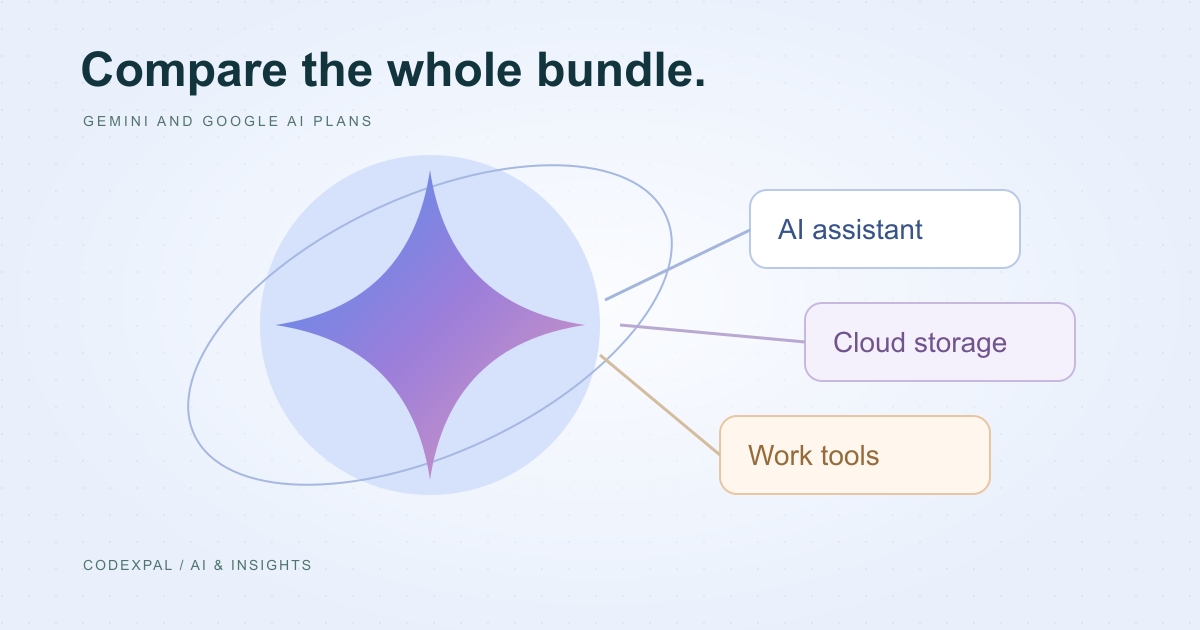
A bundled AI plan deserves a different comparison from a standalone assistant. You may already be paying for storage or using connected productivity tools every day. The useful question is how much additional value the bundle adds to that existing setup, rather than whether its headline feature looks impressive.
Use a dated price, not an old launch offer
The US Google One listing checked for this guide shows Google AI Plus at USD 9.99 per month and Google AI Pro at USD 19.99 per month. A regional offer, account-specific promotion or different billing period may show another price. Confirm the amount you will pay after any introductory period ends.
The linked listing describes storage, Gemini access and connected features. Check the exact bundle for your account: names, entitlements and supported countries can change. We deliberately avoid freezing a model name or an advertised usage multiplier into a long-term buying rule.
Reference: Google One — current US plan listing
Calculate the incremental cost
Write down the storage subscription you currently pay for and whether a new bundle would actually replace it. Do not subtract an existing cost unless you can cancel or change that subscription without losing something important. A theoretical saving is not a saving on your next statement.
For example, if a hypothetical AI bundle costs 20 units and genuinely replaces a 3-unit storage plan, the additional recurring cost is 17 units. This is an illustrative budgeting example, not a Google plan quote. Keep the replacement assumption separate from the public list price.
Test the workflow where the bundle helps
Choose a document or information task you perform often. Count the steps between starting with your source material and producing something ready to share. Compare that process with your current workflow, including checking facts and correcting formatting.
Use non-sensitive sample data while evaluating. A personal account and an organisation-managed account may have different settings or requirements. For work documents, confirm your organisation’s rules before connecting any assistant to shared files or mail.
Compare the renewal and the alternatives
An introductory discount can be useful for a trial but should not become your annual budgeting assumption. Record the date the offer ends and the standard renewal amount. Check whether changing plans affects other people who share your storage or services.
Then compare the same recurring task in another assistant. A bundle that simplifies your existing work may be worth more to you; someone using a different set of apps may reach the opposite conclusion. Neither result establishes a universal ranking.
The takeaway
Evaluate the bundle as a change to your existing budget and workflow. Verify the regional checkout, identify any real replacement savings and keep the plan only if the combined value is useful.
Sources & further reading
Primary references checked on October 18, 2026. Examples and diagrams are illustrative unless stated otherwise.
More to think about.
ChatGPT vs Gemini vs Claude: choose by the work, not the hype
A practical comparison framework for writing, coding, research and everyday work, with official plan references and a repeatable evaluation worksheet.
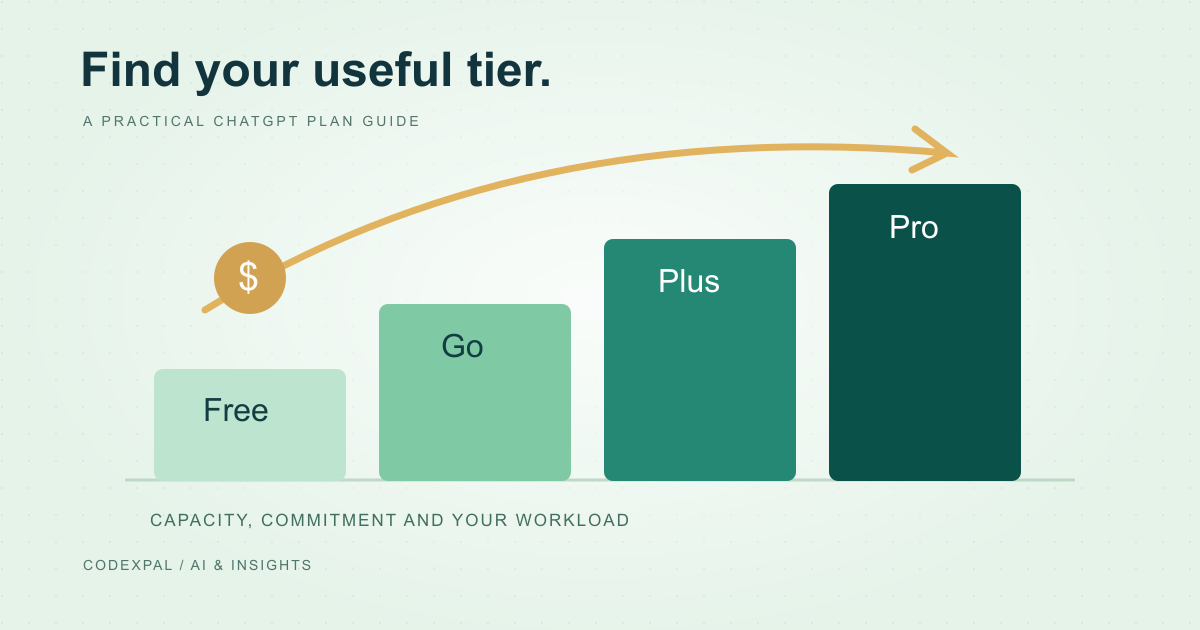
ChatGPT Free, Go, Plus and Pro: how to choose a plan
Understand the difference between an occasional-use plan and a recurring work budget, and avoid confusing a chat subscription with metered API usage.