
DeepSeek free chat vs paid API: two different budgets
Understand why a free consumer chat app and a metered developer API need separate cost calculations, with a practical checklist for an application prototype.
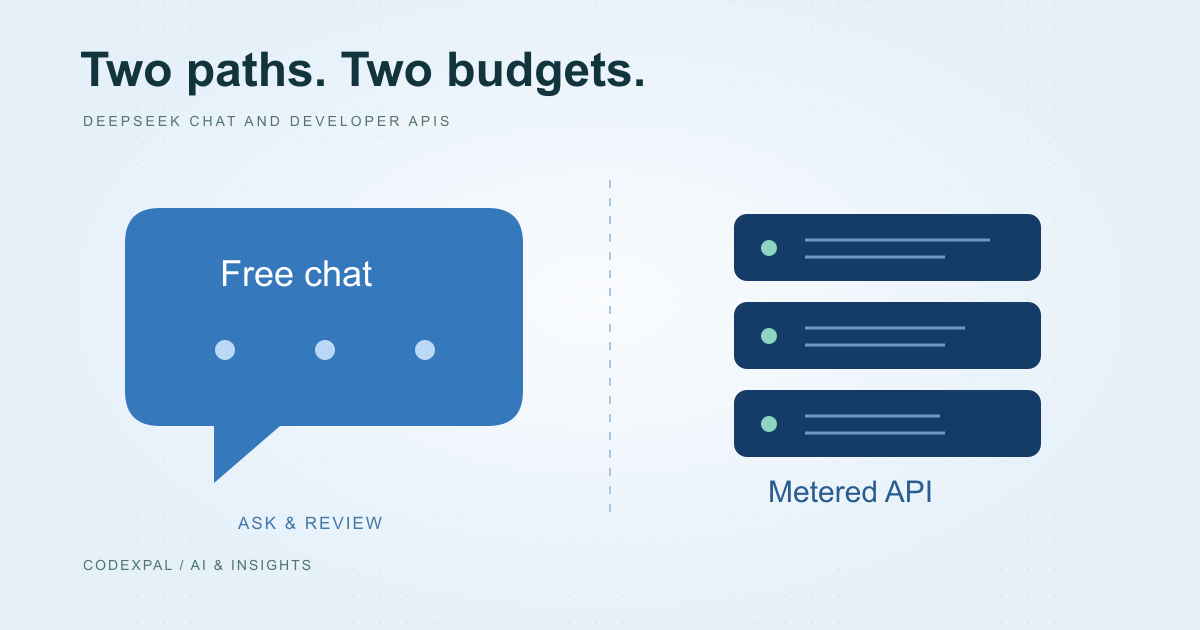
“Free” describes a particular product or allowance, not every way of using a provider’s models. DeepSeek advertises its consumer assistant as free, while its developer API has usage-based pricing. Choosing between them starts with whether you need a person using a chat app or software making requests.
A chat product and an API solve different problems
A person can use a chat interface to ask questions and review answers. An application needs programmatic requests, authentication, error handling and a budget for traffic. Access to the first does not establish free access to the second.
Use the official assistant download and API documentation rather than a similarly named app or reseller. Confirm what account and billing setup is required for your chosen path. Do not place API keys in a public website or browser bundle.
Reference: DeepSeek — official assistant download · DeepSeek — API pricing and billing units
Estimate requests before multiplying prices
Start with expected users, requests per user and the typical size of an input and output. Count repeated instructions and retrieved documents as part of the input. Then include retries, evaluation runs and occasional large requests instead of budgeting only for the ideal short conversation.
As an illustrative workload, 100 users making 5 requests a day for 30 days produce 15,000 requests. That is not a cost estimate until you add model selection and token assumptions. A price per token cannot be treated as a fixed price per request.
Build a workload estimate
- 01TrafficUsers × requests × days
- 02SizeInput and output per request
- 03RatesCurrent model-specific prices
- 04BufferRetries and operational overhead
Add controls before adding users
Put a usage ceiling in the application, rate-limit requests and monitor costs. Decide what happens when a provider rejects a request, the budget is exhausted or the response fails your validation. A graceful error is better than silently retrying forever.
Inspect real test traffic before raising limits. Record the model, configuration and usage for each evaluation run. If your task involves private material, review the provider’s current data terms and your organisation’s requirements before sending it.
Use a currency calculator for the funding step
After you have a USD workload estimate, enter it as a custom monthly budget in the CodexPal calculator. Convert it to your own currency using a rate you supply, then add justified payment allowances. This conversion does not predict token usage or guarantee a final invoice.
Compare the operational costs as well: development, monitoring, evaluation and human review. A lower model rate may help, but it does not remove the engineering needed to deliver a useful application.
The takeaway
Use free chat for the consumer workflow it offers. Treat an API integration as a metered application with its own usage assumptions, controls and review process.
Sources & further reading
Primary references checked on October 18, 2026. Examples and diagrams are illustrative unless stated otherwise.
More to think about.
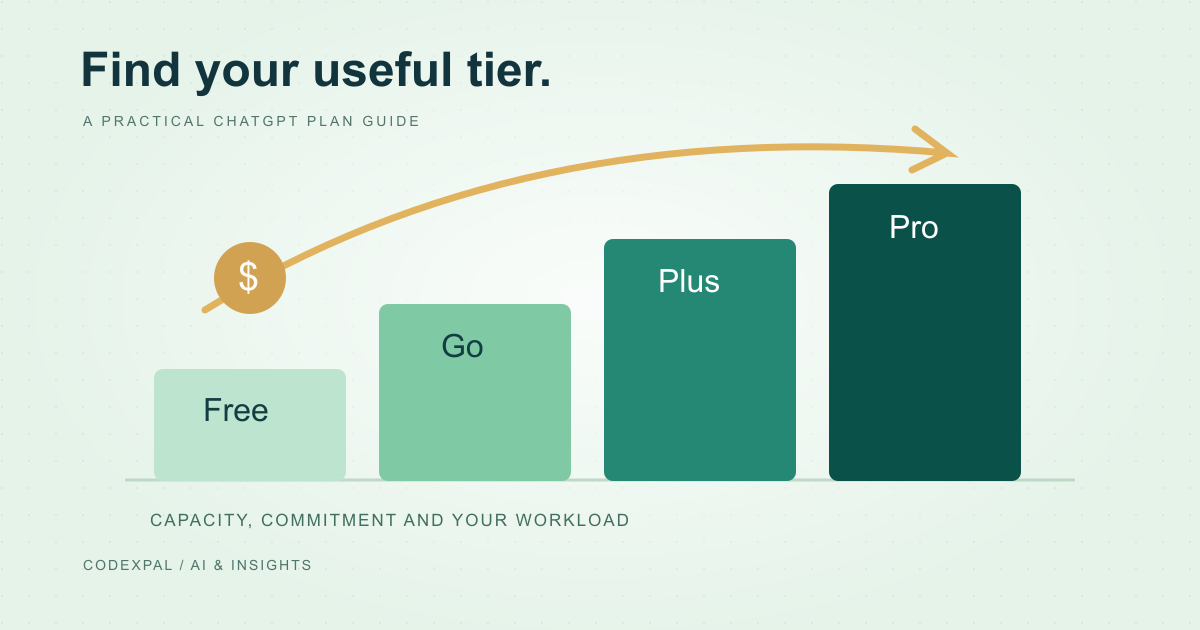
ChatGPT Free, Go, Plus and Pro: how to choose a plan
Understand the difference between an occasional-use plan and a recurring work budget, and avoid confusing a chat subscription with metered API usage.
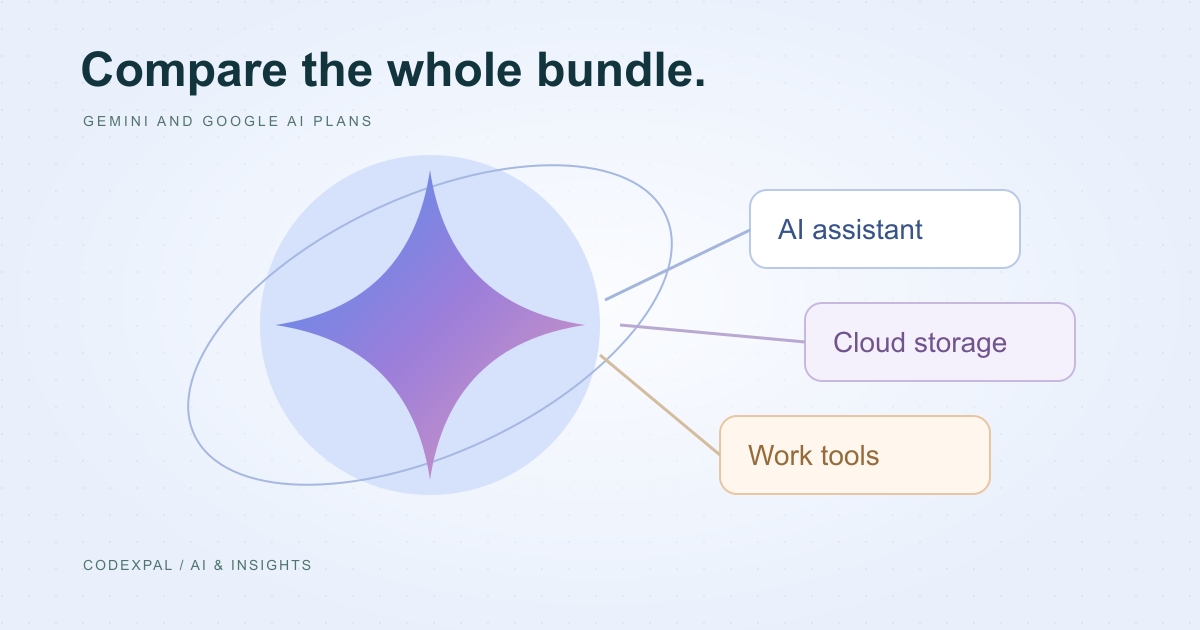
Gemini and Google AI plans: compare the whole bundle
How to evaluate Google AI Plus and Pro alongside your existing storage and productivity needs, without treating a promotional price as a permanent budget.